
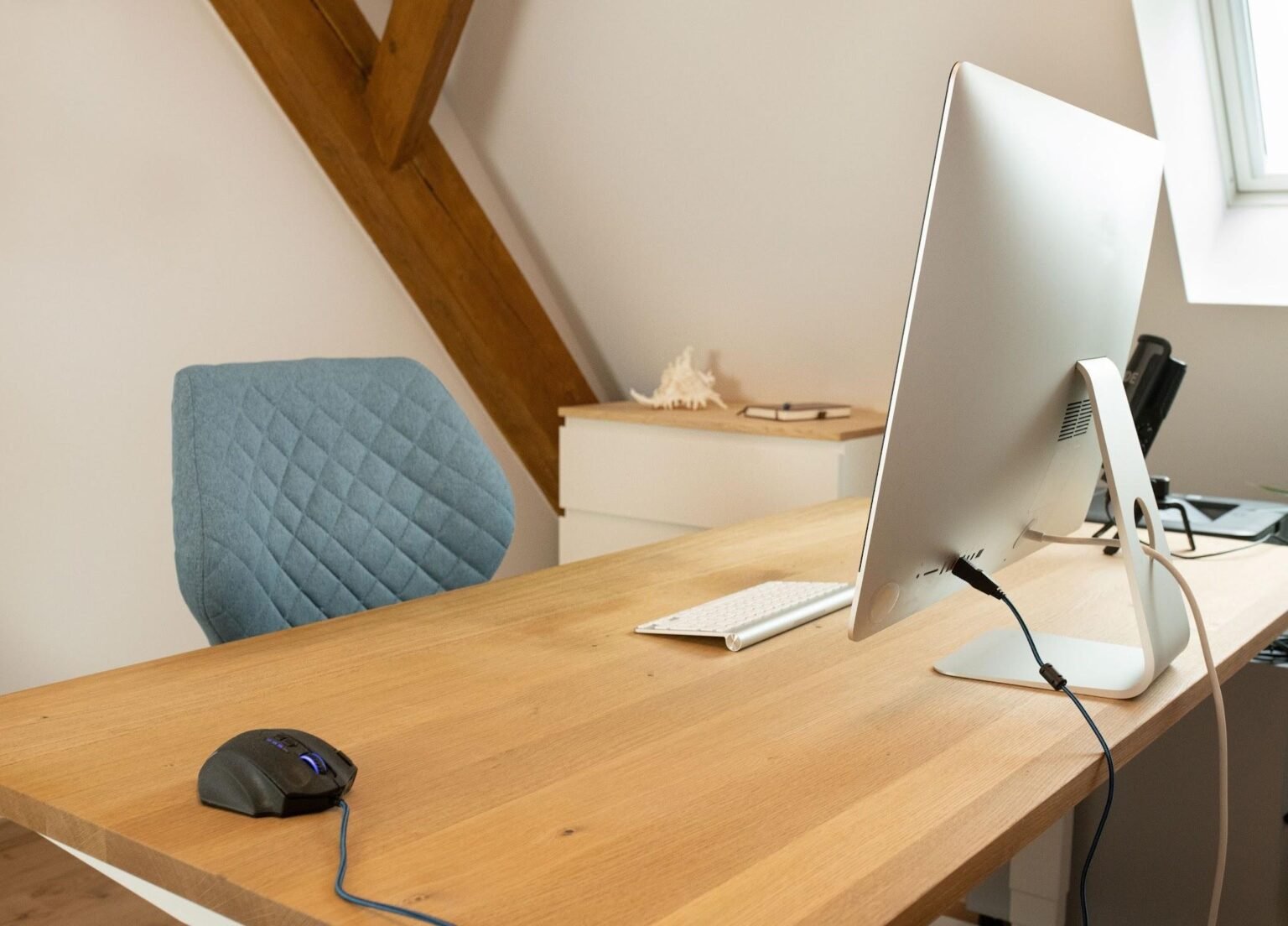
Five targeted upgrades, covering monitor height, lighting, cable management, audio, and a custom desk mat, are enough to transform a work-from-home desk setup from something you tolerate into something that actively supports how you work.
Most people assume meaningful improvement means spending heavily or starting over from scratch, but that is rarely true. The gap between a frustrating desk and a genuinely good one almost always comes down to a handful of deliberate decisions, each targeting a different layer of the experience.
The Desk You Actually Want to Sit At
Remote work permanently shifted the home desk from a temporary workaround into a daily environment, and many professionals now spend more hours at their workstation than anywhere else in the house. Because of this shift, these desk setup upgrades for work from home are worth taking seriously. This guide covers five adjustments to deliver the most impact.
1. Get Your Monitor Right
The top of your display should sit at or just below eye level, which keeps the screen roughly an arm’s length away. The centre of the monitor should be positioned 15 to 20 degrees below horizontal eye level to prevent compressing the cervical vertebrae.
Staring downward for hours drives shoulder tension, which produces an end-of-day fatigue that actually stems from posture strain rather than mental exhaustion.
A monitor arm serves as the most impactful ergonomic investment for home office desk improvements because it solves positioning problems while freeing the desk surface from bulky bases.
Since typing on bare surfaces creates wrist fatigue, remote workers often soften their cleared workstation by laying down a custom neoprene desk mat from Custom Envy. This addition cushions your pressure points while providing a smooth gliding texture for your daily tasks.
| Key Insight: The top of your monitor should be at or just below eye level, about 50-70 cm from your eyes. Even a slight downward gaze for hours compresses cervical vertebrae, triggering postural strain that mimics exhaustion. |
2. Fix Your Lighting First
Overhead lighting and screen-only illumination create harsh shadows across long working days, which forces the eye to continuously adjust between bright and dark zones. That constant muscular adjustment accumulates into severe physical fatigue by late afternoon. Placing a quality desk lamp at the side of the monitor eliminates that cycle and softens the visual environment.
For video calls, a front-facing light placed at face height produces an immediate improvement to your on-camera appearance. Warm diffused light reads as professional in a way that standard ceiling bulbs cannot replicate. Choosing a 2700K warm white bulb works well for afternoon tasks, while the 5000K daylight range supports sustained focus during peak hours.
3. Fix Your Loose Cables
Research into visual disorder links cluttered environments to elevated stress and a reduced ability to sustain focus. A tangle of cords behind the monitor acts as background friction that never goes away. Treating cable management as one of the best desk accessories pays off every single working day.
Three specific tools can tame almost any messy workspace. A cable tray mounted underneath the desk hides bulky power strips entirely out of your sightline, while Velcro ties bundle individual charger cords without the permanence of plastic zip ties. Finally, a multi-port USB hub reduces the number of connections running to the computer down to a single line.
4. Improve Your Audio Setup
Audio remains an overlooked category in workspace planning despite dictating the quality of your meetings. Many remote workers just accept whatever default microphone came built into their laptop, which creates listener fatigue and allows household background noise to leak into client calls.
Relying on this basic hardware ensures your background music sounds thin rather than full during deep work sessions.
The right hardware choice depends heavily on how your schedule divides. If back-to-back meetings dominate your calendar, a dedicated headset with a boom microphone eliminates conversational echo while directly reducing the strain of listening in a busy household.
Conversely, if solo focus time dictates your schedule, desktop speakers deliver high-quality sound without the physical fatigue of wearing tight headphones all day.
5. Add a Custom Desk Mat
A large custom desk mat covers the entire working space from the keyboard to the monitor base. This massive coverage protects expensive wood tops from deep scratches, coffee spills, and heat rings while providing a smooth tracking texture across the full width of your station.
The thick material cushions your wrists against hard wooden edges throughout the day, so it reduces pressure fatigue during demanding shifts.
What makes a custom mat unique among all five upgrades is the ability to carry any design you choose. Printing a favourite travel shot or a detailed map edge-to-edge customises the appearance of the station. Full-surface neoprene options provide a soft non-slip underside while ensuring a smooth printing layer for uploaded graphics.
The Path Forward
If your budget requires moving through these changes one at a time, the sequence matters heavily. Start with the monitor height adjustment for the highest ergonomic return, and move to lighting second since it offers an immediate payoff in eye comfort.
Taming your cables comes third, while audio improvements scale precisely based on your meeting volume, so pick the modification your setup lacks the most and initiate your improvements there.
| Author Profile: Custom Envy is the leading online retailer of personalised gifts and custom products for individuals seeking unique, memorable presents. |
