
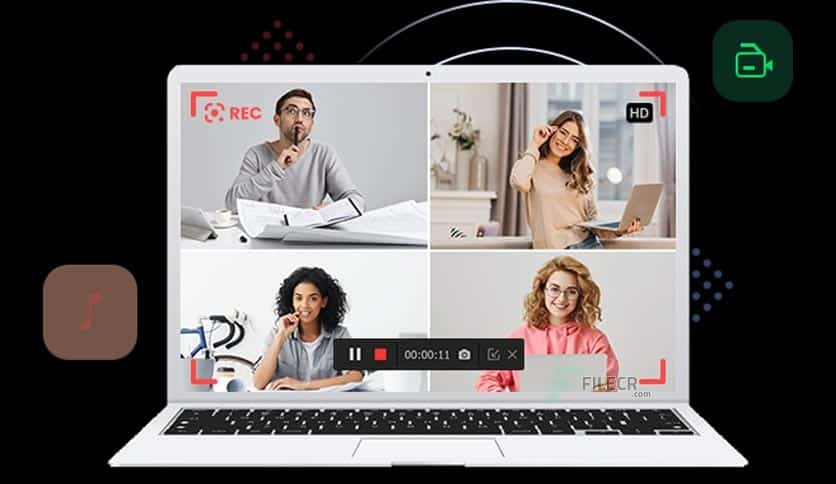
It can be tough to remember to log important live online events, meetings, webinars, or streams during the day. If a critical session is missed, the information is lost, lowering productivity. To fix this, iTop Screen Recorder offers a scheduling feature that lets users automate screen capture, so they never miss important content.
Automate Recordings with Ease
A helpful feature of iTop Screen Recorder is the ability to schedule screen recordings. Users can set the software to automatically start and stop recordings at specific dates and times, rather than doing so manually.
This is especially valuable for those who attend many virtual events and can’t watch them all in real time.
Never Miss Important Online Meetings
Many workplaces operate remotely and frequently hold meetings, training sessions, and presentations. Sometimes, it’s impossible to attend all meetings due to schedule conflicts. With iTop Screen Recorder, users can plan and review recordings later.
This feature ensures employees can catch up on project updates, company announcements, and team discussions without worrying about missing essential information.
Record Lectures, Tutorials, and More with Ease
Automated recording can be a significant benefit for both students and educators. Many classes, like online lectures, occur at set times. Scheduling recordings preserves valuable teaching materials for future review.
Students can revisit difficult concepts anytime, while teachers can maintain a library of recorded lectures for student access.
Automate Workflow to Save Time
The manual process of remembering to start and stop recordings is tedious. Automated scheduling removes this burden and streamlines tasks.
iTop Screen Recorder operates in the background, allowing users to focus on their main tasks. This leads to greater efficiency, particularly for busy professionals managing multiple projects at once.
Record Live Streams and Online Events
Many live broadcasts and online events happen at various times throughout the day or late at night, making it difficult to attend. Users can have live content automatically recorded, even if they aren’t at their computers.
They can later access valuable information from industry conferences, product launches, webinars, or entertainment shows.
Keep High Recording Quality
Automation does not compromise recording quality. During a scheduled session, iTop Screen Recorder captures high-definition video and clear audio.
Depending on user needs, it can record system sounds and microphone input, ensuring complete and professional recordings every time.
Flexible Recording Settings
The screen recorder allows users to customize what they wish to record, whether it’s a specific window, a selected area of the screen, or the entire screen. Users can set this up before recording to ensure it meets their needs.
This flexibility suits a wide range of personal, educational, and professional scenarios.
Conclusion
iTop Screen Recorder’s scheduled recording feature is convenient for anyone looking to automate screen recording and boost productivity. The software automatically records meetings, lectures, webinars, and live events, saving users time while capturing valuable content. It also serves various purposes, making it a versatile choice for modern digital recording needs.
